Sunsetter: Automating Design System Deprecation
Faced with deprecating 400+ legacy design system components by hand (overlays, renames, nested variants), I built Sunsetter, a Figma plugin that batch-processes deprecation in seconds. We cleared multiple internal libraries in a few clicks, then released it to the Figma Community, where it picked up strong organic adoption.
The pain of phasing out
Managing a design system isn’t just about building new components; it’s also about sunsetting the old ones cleanly. I had been frustrated for a while by the manual process of deprecating assets. The standard workflow meant going into a library, applying a red overlay to visually indicate the deprecation, and manually prepending “[Deprecated]” to the component’s name so it would sort to the bottom of the asset panel.
Doing this for one component is annoying. Doing it for an entire legacy library? That’s hours of mind-numbing busywork.
What pushed me to build the plugin
The breaking point came in our internal design system Slack channel. A teammate asked if we were phasing out our old components now that our new system was in place. The answer was yes, but looking at the backlog, we were staring down the barrel of manually renaming and overlaying 400+ assets across multiple old libraries.
I checked the Figma Community for an existing solution. Nothing. I had a feeling this massive cleanup task was going to fall on my plate, so I decided to solve my own problem.
Enter the plugin manifest
I built and shipped Sunsetter, a Figma plugin designed specifically for design system maintainers to batch-deprecate components in seconds.
- Instant Visual & Naming Updates: Automatically adds a semi-transparent red overlay over the component and prepends a “Deprecated” prefix to the layer name.
- Batch Processing: Users can select multiple components at once and deprecate them simultaneously.
- Deep Variant Iteration: It doesn’t just stop at the top level. Sunsetter can target component sets and recursively iterate through and deprecate all the variants inside.
Designing & implementing
Rather than pulling from a standard Figma UI kit, I custom-designed the plugin interface using a simple, lightweight design system I created from scratch. Before jumping into the code, I wanted to understand what was happening under the hood. I binged Figma’s developer YouTube channel to grasp the basics of plugin development, getting comfortable with TypeScript and the mechanics of the Figma Plugin API. I didn’t just want to generate code; I wanted to understand the logic.
Implementing with Cursor (The Pre-MCP Era)
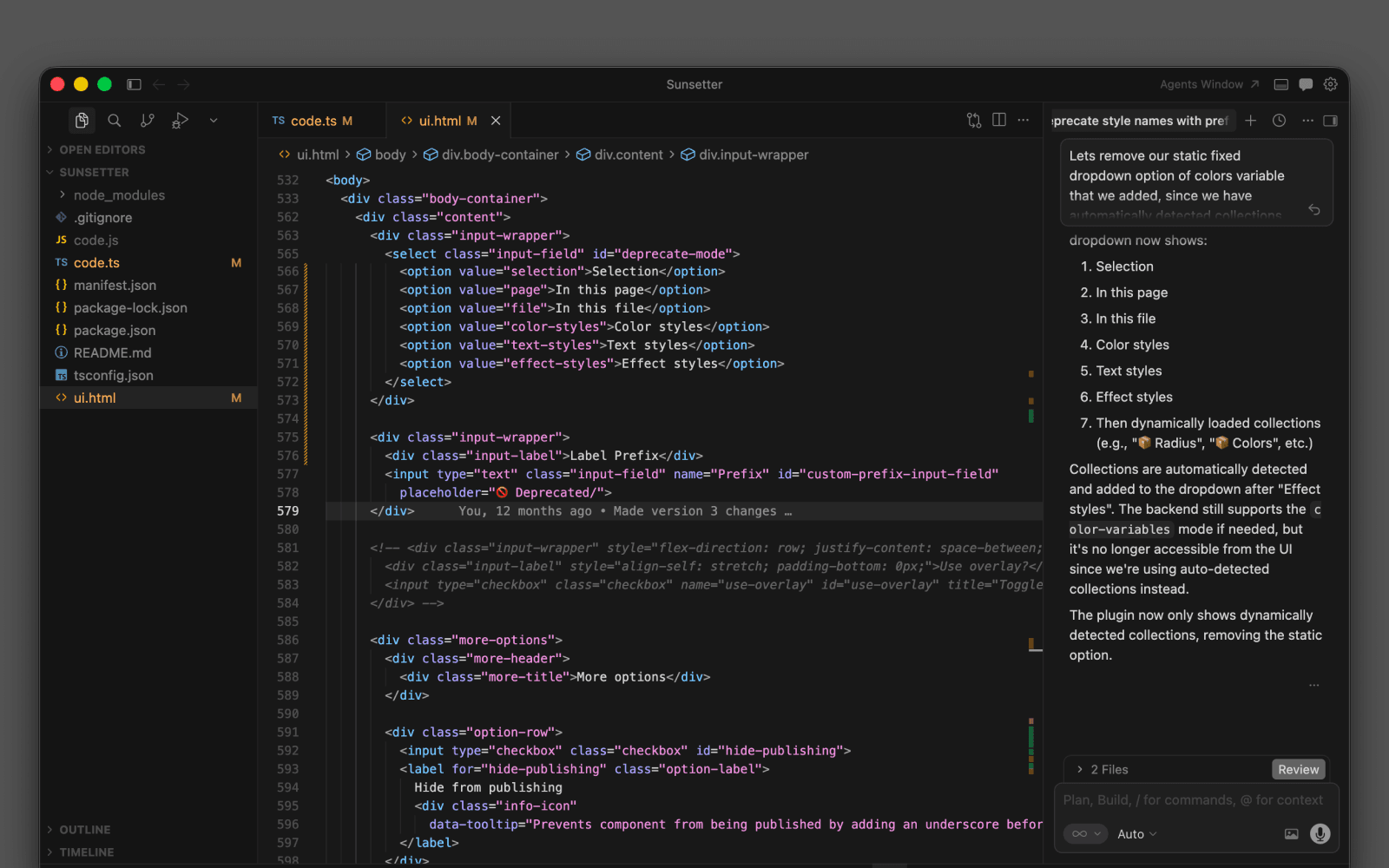
This was early 2024, right as the “vibecoding” movement was taking off, and importantly, before tools like MCP (Model Context Protocol) made AI context-sharing seamless. My workflow was highly iterative: I fed Cursor screenshots of my Figma designs and manually copy-pasted code snippets back and forth. I wrote strategic prompts to generate the heavy-lifting logic, then stepped in to manually clean up and stitch the pieces together.
Navigating edge cases
The hardest technical hurdle wasn’t the overlays or the renaming—it was handling Figma’s Component Sets. Figuring out the API logic to successfully drill down and iterate through nested variants took some careful problem-solving. Furthermore, Figma files are messy, and users nest things in wild ways. Before hitting “publish,” I rigorously tested the plugin against every possible node scenario to ensure it wouldn’t break under the weight of enterprise libraries.
Reception & results
Internally, Sunsetter was an immediate timesaver. I used it to single handedly clean up and deprecate our legacy libraries in a few clicks, including Marshmallow 1.0, MM 3.0 (WIP), Vendor Cards, Perez Mouse, and Jellybean. What would have taken hours took seconds.
I decided to release it to the Figma Community, not expecting much. But solving a hyper-specific internal problem usually means solving a problem for others, too. Within a short time, the plugin picked up organic traction, with 49 unpaid testers actively using it right out of the gate.
What the community thought
“Wow, Sunsetter sounds like a lifesaver! I’m pretty sure manually renaming 400+ assets would have made me want to watch the sunset and never come back.”
“Absolutely love this concept, such a timesaver!”
The plugin even caught the attention of the Figma team, with a member reaching out to hear about my experience building it and asking for feedback on the plugin APIs to share back internally.
Ultimately, Sunsetter proved that good systems design isn’t just about the UI you ship to users; it’s about the tooling you build to empower your own team.